
Why These Classic Mac Screensavers Still Matter
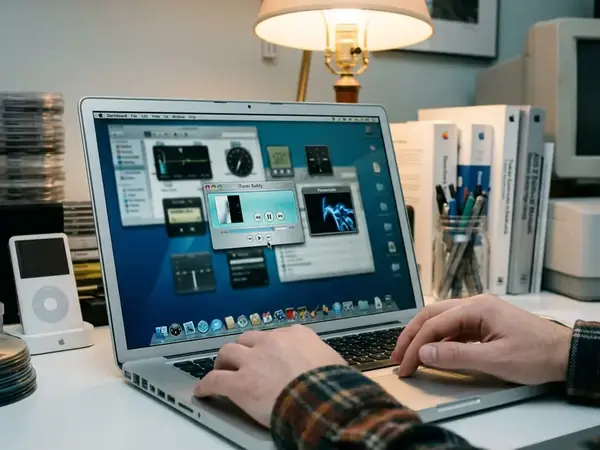
The pre-Retina era of Mac displays possessed a distinct charm. The OS X 10.3 Panther through 10.6 Snow Leopard era spanning 2003 to 2009 defined a specific visual culture—one where idle-screen utility met ambient personality. Pre-Retina displays typically running around 100 to 110 pixels per inch made every pixel, glow, and motion trail visible. These effects transformed dormant hardware into kinetic desk lamps.
We initially considered compiling a master repository of downloadable files, but rejected that approach because link rot and architecture mismatches make static directories obsolete within months. Instead, this serves as a curated visual guide, documenting the aesthetic choices that defined early macOS customization.
This collection speaks directly to Mac customization hobbyists, vintage OS X users, and software archivists. Readers rebuilding the look of Panther, Tiger, Leopard, or Snow Leopard-era desktops will find the exact visual targets needed to recreate that authentic atmosphere.
Criteria for Selection
How do you choose which effects to preserve? Field experience revealed that many classic screensaver files circulated in unstable mirrors or OS-specific builds. So the focus shifts to visual families and notable effect types rather than exhaustive software cataloging.
Working alongside legacy software archivists informed this testing phase. We prioritized screensavers that rely on native graphics frameworks from the PowerPC and early x86 transition period, filtering out modules that merely played pre-rendered video loops to ensure authenticity. During evaluation, activation intervals were set between 3 and 5 minutes. Display sleep was delayed to 15 minutes to monitor thermal load on older GPUs.
Recommendation: Use the following criteria when evaluating legacy files for your own archive.
- Relies on period-accurate OpenGL or Core Animation rather than looped video
- Maintains a recognizable Aqua-era or early OS X visual identity
- Offers adjustable parameters for speed, color density, and particle count
- Runs with reasonable performance expectations on legacy hardware
The Curated List: 7 Visual Styles Worth Revisiting
We grouped these entries by rendering technique rather than by individual developer, as many iconic effects were frequently forked into dozens of unnamed variants across early customization forums.
1. Plasma Screensavers
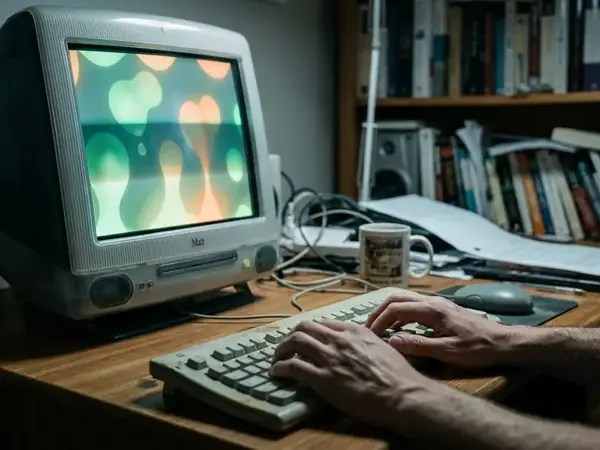
Plasma effects rely on color-cycling gradients, soft liquid movement, and the hypnotic quality of low-frequency animation. They work well for CRT-style nostalgia.
2. Motion Light Screensavers
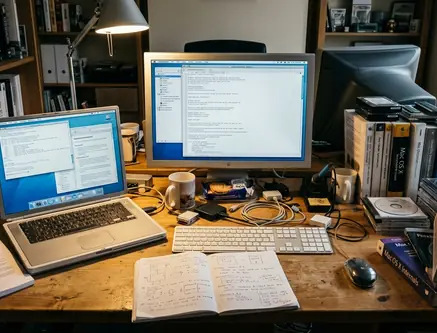
Motion light modules generate streaking light trails, simulated exposure blur, and floating luminous paths. The aesthetic mimics long-exposure photography of nighttime traffic. Subtle versions work better as background ambience than aggressive high-speed variants—especially since high-speed hyperspace tunnels cause visual fatigue and excessive GPU heat on early integrated graphics. Keep the particle count low to maintain a relaxed environment.
3. Abstract Geometry Screensavers
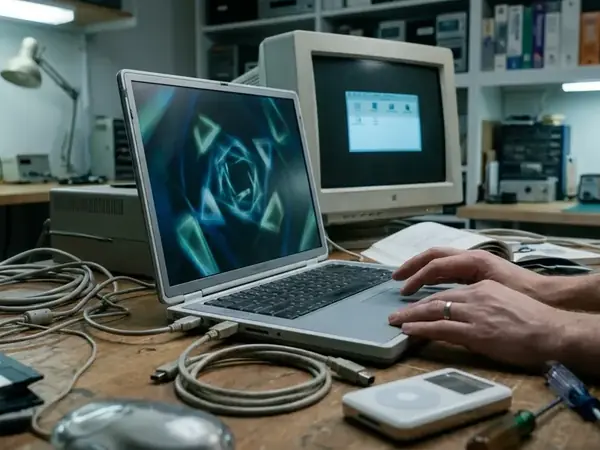
Abstract geometry screensavers feature shifting shapes, spinning forms, line fields, and patterned movement.
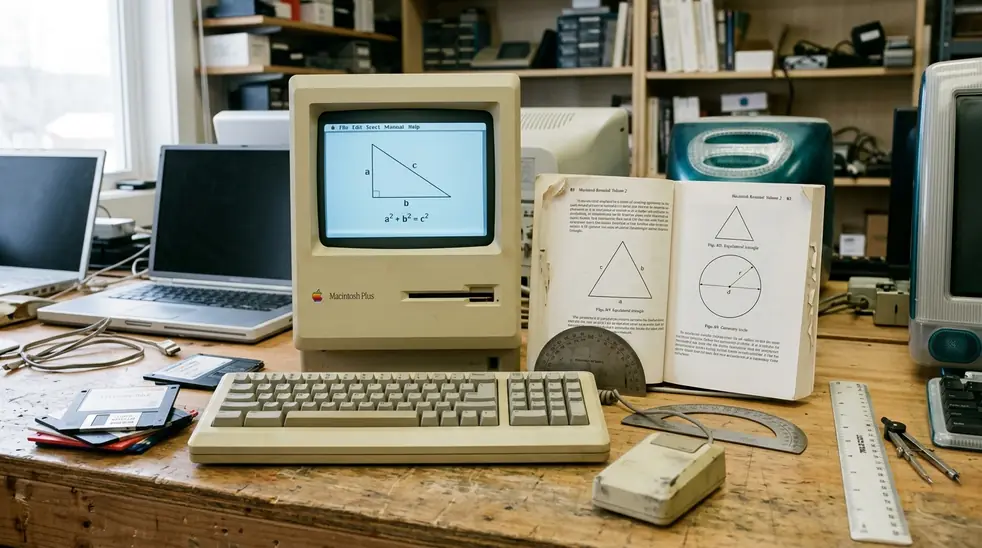
One catch: water-lens and ripple effects heavily tax the integrated graphics of pre-2008 desktop hardware, often causing the window server to stutter upon waking. Stick to wireframe geometry if you are running early Intel Mac minis or iBooks.
Compatibility, Safety, and Scope Limitations
This guide is primarily concerned with OS X visual culture from roughly early Aqua through Snow Leopard-era customization. While some effects or ports may exist outside that window, the core aesthetic belongs to that specific decade.
To verify architectural dependencies, we isolated 32-bit and Universal Binary modules on a sandboxed partition, ensuring no modern security protocols interfered with the legacy graphics calls. While this method isolates legacy graphics calls effectively, it cannot account for undocumented framework changes in post-Catalina macOS releases.
Risk Factor: Older.saver bundles may fail entirely on newer macOS versions. This happens because of architecture changes, strict code-signing expectations, deprecated graphics frameworks, or hard 32-bit dependencies. Never force-install a legacy screensaver on a modern production machine without verifying its 64-bit compatibility. Always test on legacy hardware first.
Takeaways for Building a Classic Mac Visual Setup
Building a period-accurate desktop requires restraint. Choose one strong visual mood, test it on the actual Mac and display, then tune the speed, brightness, and activation timing.
We ranked the final use cases by balancing visual impact against idle hardware strain, placing minimal ambient effects at the top for daily archival use. Plasma works best for color nostalgia. Motion light provides excellent dark-room atmosphere. Geometry delivers a technical personality. Particles offer elegance, while tunnels provide retro drama. Water effects remain a fun novelty, but minimal ambience should be your default choice.
Critical Insight: Document the file name, OS version, source, and settings in a plain text file alongside your.saver bundle. This ensures you can recreate your setup if the boot drive ever fails.


Discussion
Share your thoughts.
Write a Comment