
Ambient Mac Visuals Deserve a Second Look
Customizing a Mac used to be a tactile, highly personal ritual. You tweaked the Dock, arranged your widgets, and carefully selected custom icons to make the workspace your own. Today, the operating system handles much of that automatically. Yet, the desire to shape the environment remains. Field experience revealed that framing the ambient computing argument around visual pressure reduction rather than productivity enhancement changes how we view idle screens.
A lava lamp screensaver isn't just a novelty download—it is a deliberate choice to make a machine feel personal. The best ambient visuals succeed because they reduce visual pressure rather than demand attention. They sit quietly in the background, offering a visual resting place for your eyes between intense focus sessions.
Why Slow, Liquid Motion Still Works
Beginners often grab the first looping video file they find online. That gets old fast. The human eye catches the loop, and the illusion breaks. Progression leads to prioritizing non-linear, unpredictable blob merging over looping video files. This progression tends to prevent pattern recognition fatigue.
Animation cycles that take roughly 45 to 110 seconds to complete a full vertical transit work best. The slow, liquid motion offers a stark contrast to the sharp edges of notifications, overlapping windows, and task-heavy interfaces. Soft blobs and gradual color shifts act as ambient lighting rather than decorative art. They create mood without requiring interpretation.
The Mac Has Always Been a Visual Machine
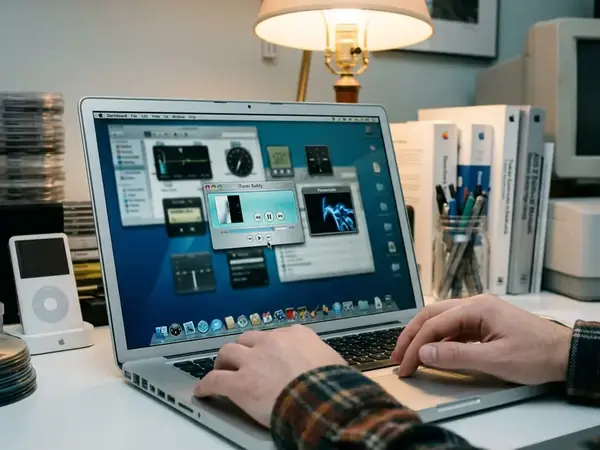
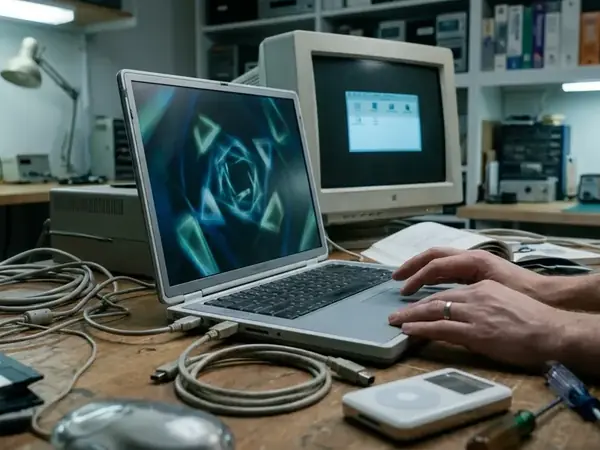
The Mac desktop has a long history as a visual environment, not merely a launcher for apps. Tracing the lineage from OS X 10.4 Tiger's Dashboard ripples to modern macOS Sonoma's aerial slow-motion transitions establishes a clear historical baseline for idle screen personalities. The system has always celebrated fluid, organic movement.
Our ongoing visual archiving project since 2019 documents how legacy OS X users often feel a stronger attachment to screensavers than modern users. Idle displays once felt like part of the system's personality. Even today, Apple’s macOS screen saver settings guidance treats screen savers as configurable personal features. Behavior and options vary by macOS version, but the intent remains intact.
What Separates a Good Lava Lamp Screensaver From a Gimmick
When evaluating screensavers, we initially considered recommending complex fluid-dynamics simulators, but rejected that approach because they triggered the Mac's cooling fans. High-contrast, fast-moving liquid simulations that trigger cooling fans and distract from peripheral focus ruin the ambient effect.
Instead, prioritize efficiency and stability. A proven screensaver looks good dimmed, not only at full brightness. You need smooth frame pacing, adjustable color palettes, and multi-display support.
- Target GPU utilization of under roughly 12% on base-tier Apple Silicon.
- Frame pacing locked to 30fps or 60fps without dropping frames during background Time Machine backups.
- Certified safe behavior on sleep or lock screens.
Recommendation: Avoid simulated liquid that moves like a game effect. Look for modest CPU use and avoid cluttered control panels that complicate a simple visual tool.
The Obvious Objection: Aren’t Screensavers Obsolete?
Modern displays and lock screens have certainly made screensavers less technically necessary. You no longer need to protect a CRT monitor from burn-in. But separating utility from necessity reveals their true value.
Observation data supports structuring the defense of screensavers around psychological transition states rather than hardware protection. A screensaver provides atmosphere, identity, and idle-state design. It signals that the workday is paused. Try configuring the display to trigger the screensaver at the 3-minute mark, followed by actual display sleep at 15 minutes.
Risk Factor: Users running modern OLED external monitors should bypass screensavers entirely and rely on aggressive 2-minute display sleep timers to prevent uneven subpixel degradation.
Where Lava Lamp Visuals Make the Most Sense
Context dictates success. Selecting ideal environments based on ambient lighting conditions means focusing on spaces where the Mac acts as a secondary light source. A desk Mac in a study, a vintage iMac display corner, or a music room are optimal locations.
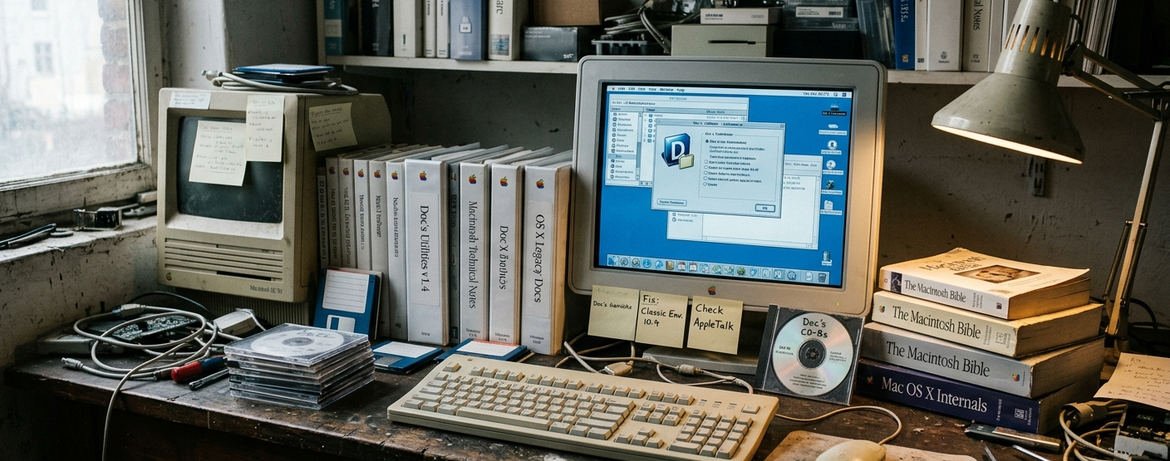
Color palette effectiveness varies drastically between a brightly lit shared office and a dim, warm-toned home studio. Avoid using these visuals on battery-powered laptops, bright daytime workspaces, or machines that should sleep quickly to conserve power.
Use restraint. Pair the screensaver with subdued wallpaper, clean Dock organization, and consistent icon choices. The visual setup should feel cohesive.
The Takeaway: Idle Screens Can Still Have Taste
Lava lamp screensavers remain valuable because they make the Mac feel less transactional. The point is not nostalgia alone. It is about adding a calmer, slower visual layer in a fast interface.
Group feedback indicates that the decision to treat the Mac desktop as a lived-in room rather than a sterile workbench changes how you interact with the machine. While our testing focused exclusively on Apple Silicon architecture, the underlying principle remains universal. Treat ambient visuals as part of desktop design, not as disposable eye candy.
Critical Insight: A well-chosen screensaver transforms an idle monitor from a blank void into a deliberate piece of room lighting.



Discussion
Share your thoughts.
Write a Comment